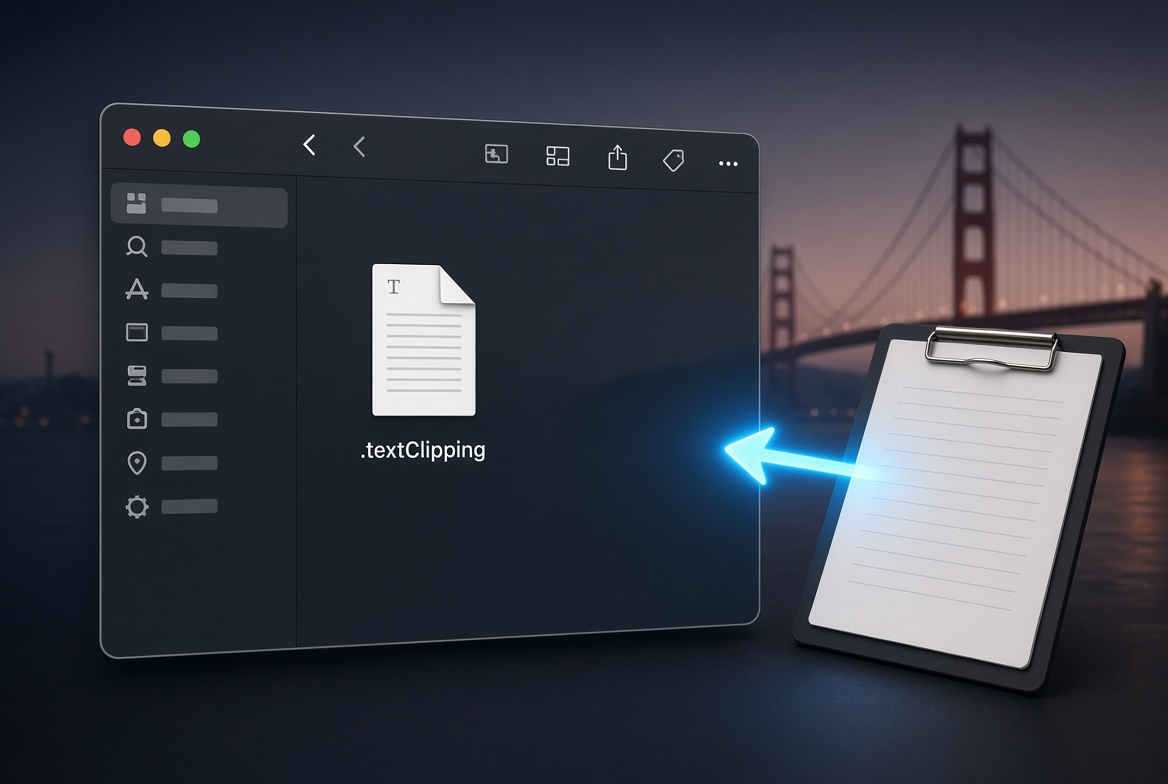
Copy text or an image (Command-C) from any app, switch to Finder, click in a folder or on the Desktop, then paste (Command-V). Golden Gate creates a text clipping (.textClipping) or image file right there. This works like the long-standing drag-and-drop clipping behavior, but now directly from the clipboard (it did not work this way in Tahoe).
Useful for quick saves of snippets, screenshots, or copied images without opening another app first.